

MPS-TimeLog
Quick and easy time recording. Perfect for self employed and freelancers, also suitable for employees or for leisure and hobby to log and evaluate the required time for activities in all areas.
Screenshots
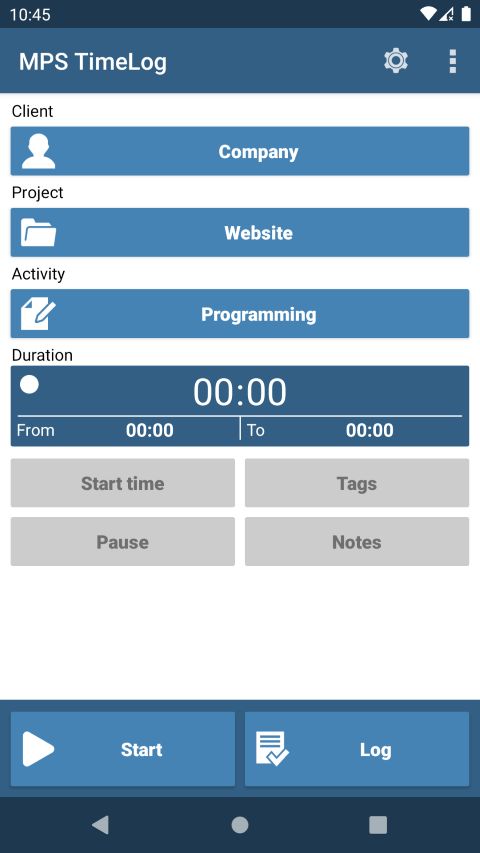
Main page
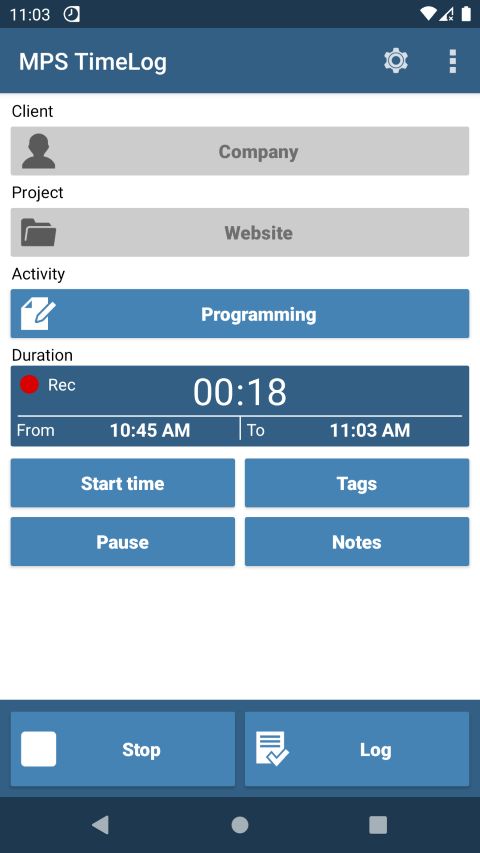
Active time recording
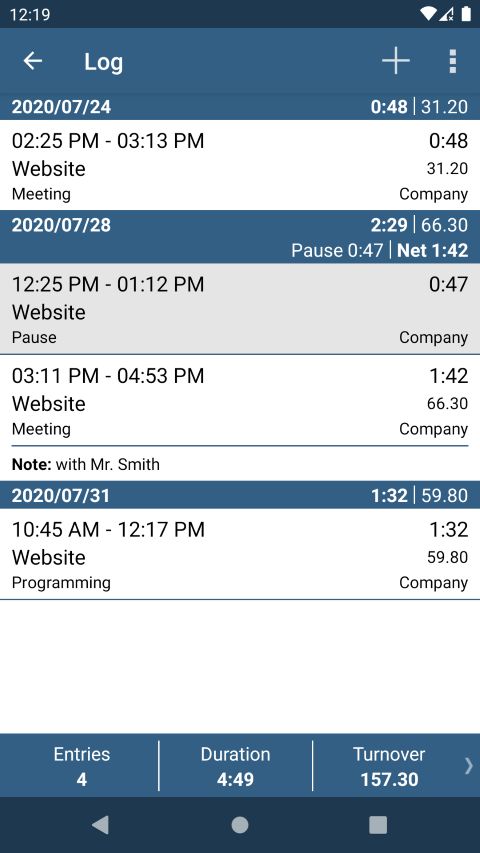
Log
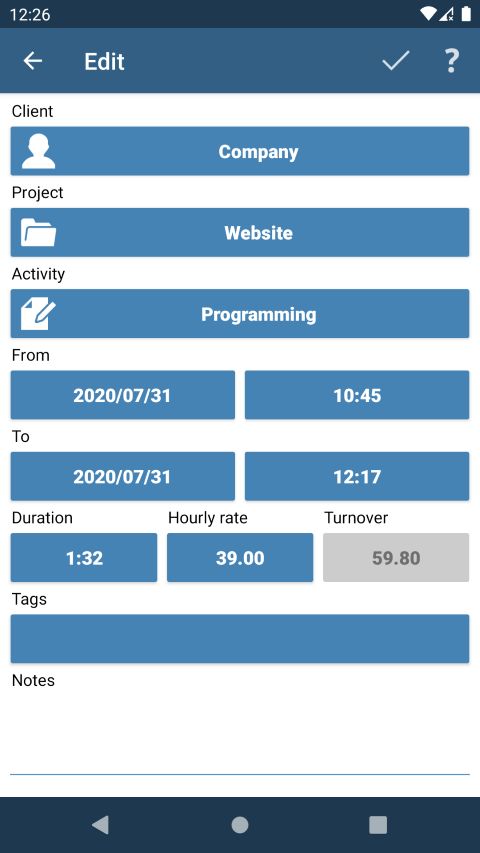
Edit entry
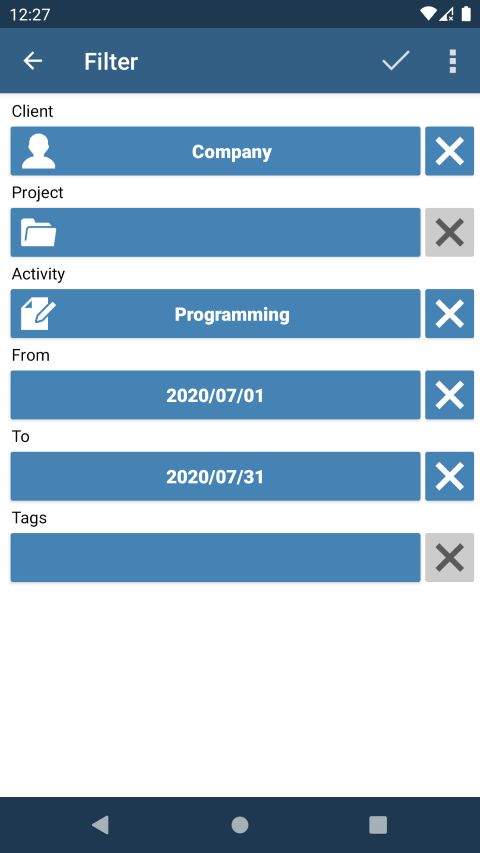
Set filter
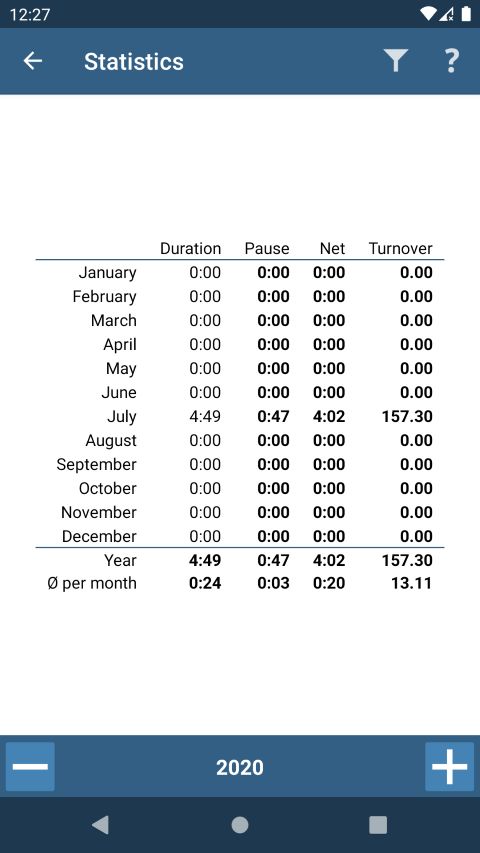
Statistics
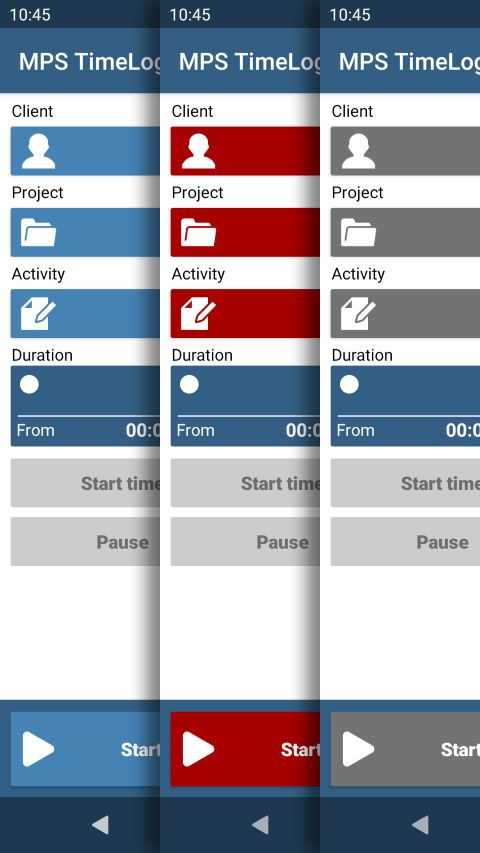
Button colors
Overview
Functions:
- Direct time recording during an activity
- Possible to change start time during time recording
- Logging pauses which will be shown and calculates as separate entries
- Add or change entries afterwards
- Each entry is assigned to a client, project and activitiy
- Add hourly rate for each project (optional)
- Show total list (the log) for all entries
- Use filter to display required entries only
- Sort the log ascending or descending by date and time
- Display time exactly per minute or rounded (5, 6, 10, 15 or 30 minutes)
- Quick evaluation by displaying the daily and total sum of entries, their duration and turnover
- Assignment of one or several keywords for each entry (optional)
- Add notes for each entry (optional)
- Backup and restore the database on an SD card (allows transfer between app versions)
- Statistics for monthly and annual totals as well as monthly average
- Transfer the exported or backup files via WiFi transfer to other devices
- Archiving of entries
Customized settings:
- Background (light / dark)
- Button color (blue / red / gray)
- Language (German / English)
- Date (short / extended format)
- Export date (short format)
- Date separator (dot / dash / slash)
- Duration (hours and minutes / decimal hours)
- Time (24 or 12 hour format)
- Decimal separator (comma / point)
- First day of the week (all weekdays)
Also in the Pro or Activation version:
- Export filtered entries to CSV, HTML or PDF file to an SD card or directly via email for further use on the PC
- CSV files import
- Ad-Free
FAQ - Frequently Asked Questions
Why does the time recording cannot start?
To start the time recording the buttons client, project and activity must contain entries.
Why is the log empty although entries exist?
This could be due to the filter. If a filter combination was chosen that applies to no entry the log is empty.
How can the data be transferred from one app version to another?
A transfer works as follows:
- start the first app version
- open settings (gear in the title bar)
- select "Backup" function
- enter file name and confirm
- start the second app version
- reopen settings
- select "Restore" function
- select the previously created file and confirm
Caution: All existing entries are overwritten by a restore!
How do you manually install an APK file?
An APK file can be installed as follows. Due to differences between Android versions, the individual steps may vary:
- Download the APK file from this website
- Open the APK file or select it from the downloads folder, for example
- If necessary, grant the browser permission to install: Settings > Install unknown apps > Allow from this source > Toggle the switch > Install
- Install this app? > Install
- Unsafe app blocked > More details > Install anyway
- Send apps for a security check? > Select as needed
- Done
If you need help with the installation, please feel free to contact us.
Warning: When manually installing an APK file, be sure to check where the APK file comes from. Malicious apps can also be installed this way!
Download
You can download the latest version of MPS-TimeLog here. It's an APK installation file:
To verify the authenticity of the download, you can compare the checksum (SHA-256) with the download. Suitable checksum apps are available for all platforms:
ceb8fdd1ffdfe97c108736e6db6fd6094cf14b686d01c5121390ce79da698461
Warning: Download sources other than this website may contain malicious code!
Purchase activation code
For Euro 3.99, incl. 19% VAT
the following functions will be activated:
- export as CSV, HTML, or PDF file
- CSV files import
- advertising will be removed
The activation code has no expiration date. The code can only be used once. If you switch devices, you can deactivate the code on your old device and use it on a new one.
Once we have received the payment, we will send the activation code and invoice to the email address registered with PayPal as soon as possible. This process is handled manually and may take a little time.
Pay with PayPal:
Contact
Do you have any questions about the app? Please contact us.